Building a website requires more than just writing text and adding images. Modern websites are created using several technologies that work together to control structure, appearance, and functionality. The three fundamental technologies every beginner should understand are HTML, CSS, and JavaScript.
If you are starting your journey in web development, learning these three technologies will give you a strong foundation for creating responsive and interactive websites.
1. What Is HTML?
HTML (HyperText Markup Language) is used to create the structure of a webpage. It tells the browser what elements should appear on the page.
HTML can be used to create:
- Headings
- Paragraphs
- Images
- Links
- Buttons
- Lists
- Tables
- Forms
For example, an HTML heading can be created using an <h1> element, while a paragraph can use a <p> element.
Think of HTML as the skeleton of a website. It provides the basic structure that everything else is built upon.
2. What Is CSS?
CSS (Cascading Style Sheets) controls how a webpage looks. While HTML creates the structure, CSS makes that structure visually appealing.
CSS can control:
- Colors
- Fonts
- Spacing
- Borders
- Layouts
- Animations
- Responsive design
For example, you can use CSS to change the background color of a page, increase the size of a heading, or create a responsive navigation menu.
Think of CSS as the design and appearance of the website.
3. What Is JavaScript?
JavaScript adds behavior and interactivity to webpages. It allows websites to respond to user actions and perform dynamic operations.
JavaScript can be used for:
- Interactive buttons
- Form validation
- Image sliders
- Dropdown menus
- Popups
- Dynamic content
- Calculations
- Interactive web applications
For example, JavaScript can display a message when a visitor clicks a button.
Think of JavaScript as the behavior and functionality of the website.
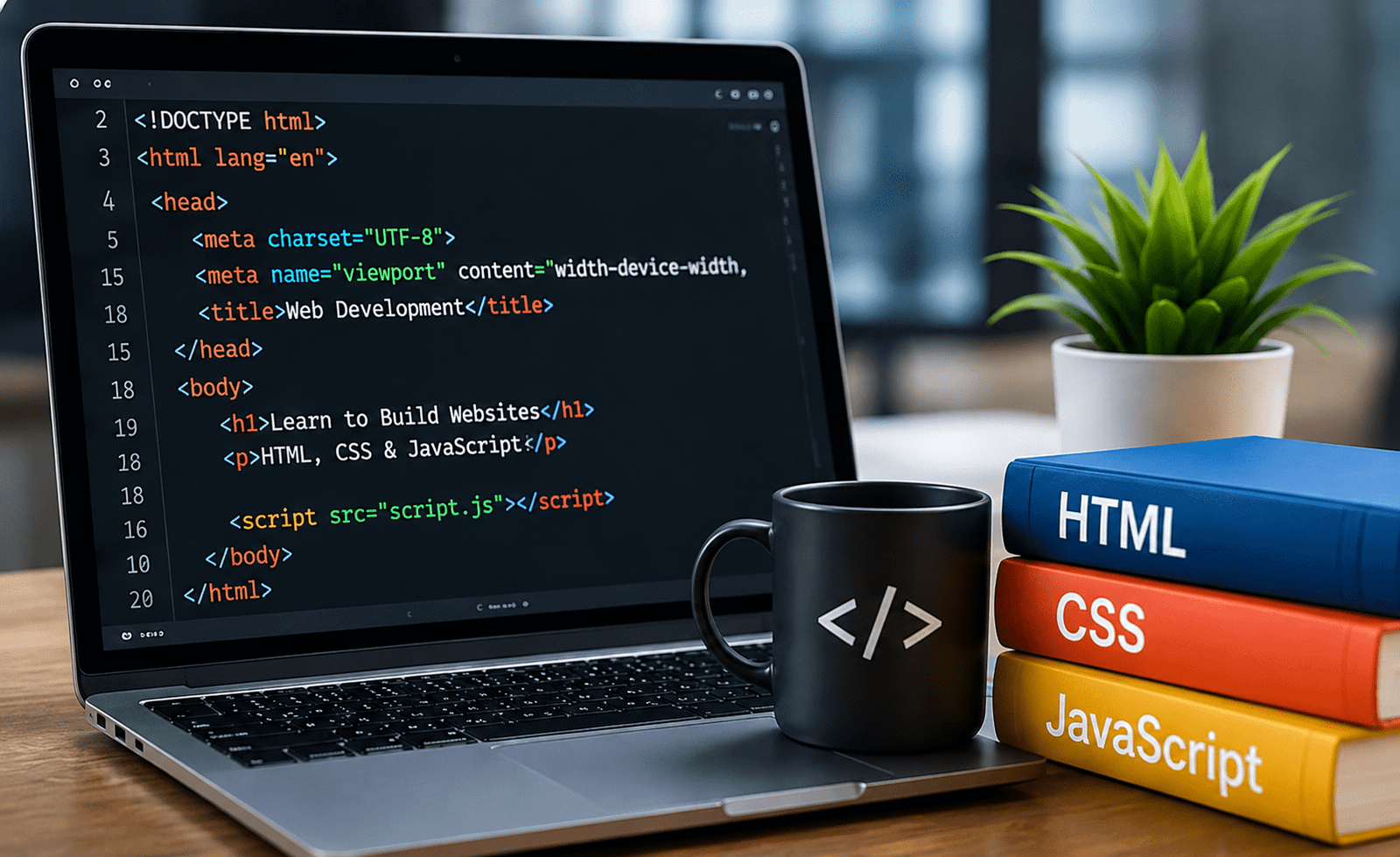
4. How HTML, CSS, and JavaScript Work Together
These three technologies have different responsibilities, but they work together to create complete websites.
A simple way to understand them is:
HTML → Structure
CSS → Design
JavaScript → Interactivity
For example, HTML can create a button, CSS can make the button attractive, and JavaScript can make something happen when the user clicks it.
Learning how these technologies interact is one of the most important steps for beginners.
5. How to Start Learning
Start with HTML and learn basic elements, attributes, links, images, forms, and semantic structure. Once you understand HTML, move to CSS and learn selectors, the box model, Flexbox, Grid, responsive design, and basic animations.
After developing a strong foundation in HTML and CSS, begin learning JavaScript fundamentals such as variables, functions, conditions, loops, arrays, objects, events, and DOM manipulation.
The best way to learn is by building small projects. Create a personal portfolio, landing page, calculator, to-do list, or simple interactive webpage.
Final Thoughts
HTML, CSS, and JavaScript form the foundation of modern web development. HTML provides structure, CSS controls presentation, and JavaScript adds functionality.
Beginners should focus on understanding the fundamentals rather than trying to learn everything at once. Practice regularly, build real projects, experiment with different layouts, and gradually increase the complexity of your websites.
With consistent practice, these three technologies can become the foundation for learning advanced web development frameworks and building professional websites and web applications.
5 FAQs
1. Is HTML, CSS, and JavaScript difficult for beginners?
They can be learned by beginners with consistent practice. Starting with basic concepts and building small projects makes the learning process easier.
2. Should I learn HTML before CSS and JavaScript?
Yes. HTML provides the structure of a webpage, so understanding it first makes learning CSS and JavaScript much easier.
3. What is the difference between HTML, CSS, and JavaScript?
HTML creates the structure, CSS controls the visual design, and JavaScript adds interactivity and dynamic behavior.
4. Can I get a web development job by learning HTML, CSS, and JavaScript?
These technologies provide an important foundation, but professional web development roles often require additional skills such as Git, responsive design, APIs, frameworks, databases, and development tools.
5. What projects should beginners build?
Start with simple projects such as a personal portfolio, landing page, calculator, to-do list, registration form, or interactive navigation menu.